


Description
Download 8tracks playlist radio APK – free music app, playlist radio, discover music, share playlists, Android music app, mood-based playlists, community music platform
Overview
8tracks playlist radio is a free Android application designed to connect music lovers through user-generated playlists. The app serves as a community-driven platform where individuals can discover, listen to, and share curated music collections based on mood, genre, or theme. It enables users to explore songs across a wide range of musical styles including rock, pop, hip-hop, electronic, and indie, all organized into playlists with specific vibes such as Love, Peace, Happy, Dance, or Party. The core purpose of the app is to foster a space for music discovery and personal expression, allowing both casual listeners and passionate music enthusiasts to engage with global audio content. It is particularly suited for users who value human-curated playlists over algorithmic recommendations. The developer, 8tracks, has positioned the app as a free, ad-supported alternative to mainstream music streaming services, emphasizing community interaction and user creativity. Real-world usage scenarios include background listening during work or travel, mood-based music sessions, and sharing personal playlists with friends. The app is accessible directly from the Google Play Store and does not require any payment or subscription to use.
Key Features & Capabilities
- Community-Driven Playlists: Users can browse and listen to playlists created by individuals worldwide, offering diverse musical perspectives and curated experiences beyond automated suggestions.
- Mood-Based Curation: Playlists are categorized by emotional tone or atmosphere, enabling users to find music that matches their current state, such as relaxation, celebration, or focus.
- Playlist Creation & Sharing: Users can create their own playlists, add tracks, and share them with others, fostering a collaborative music culture.
- Favorite Saving: The ability to save playlists to favorites allows quick access to frequently enjoyed or personally meaningful collections.
- Genre and Theme Filters: A wide selection of genres and thematic tags helps users narrow down discoveries based on musical style or intended use.
- Free Access: The app operates without a subscription fee, making it accessible to users seeking unlimited music listening without financial commitment.
These features support real-time music exploration and personal engagement. For example, a user preparing for a workout might search for “Dance” or “Energy” playlists, while someone seeking calm might explore “Peace” or “Focus” collections. The ability to create and share playlists encourages user participation, turning passive listeners into active contributors to the platform’s content ecosystem.
User Interface, Workflow & Performance
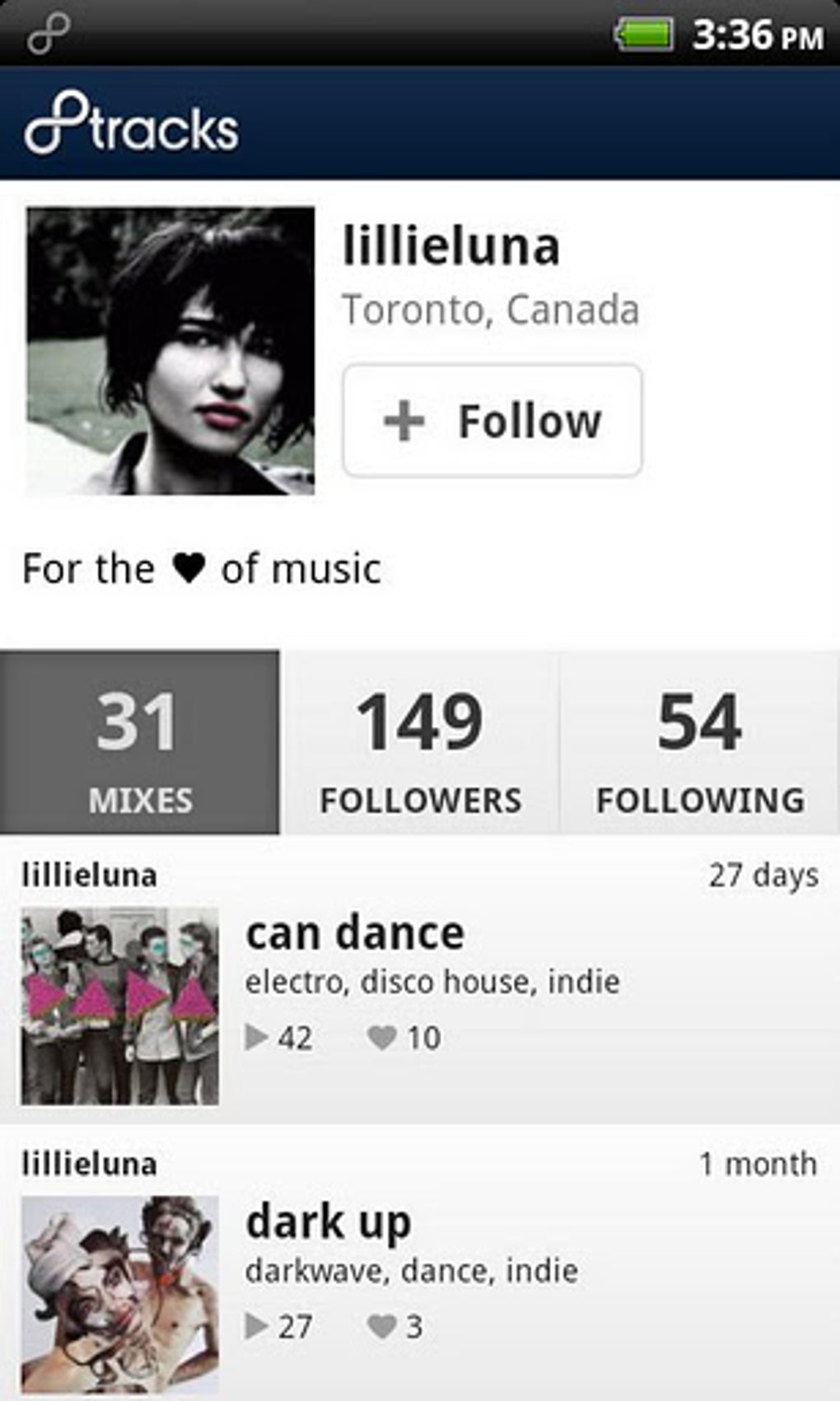
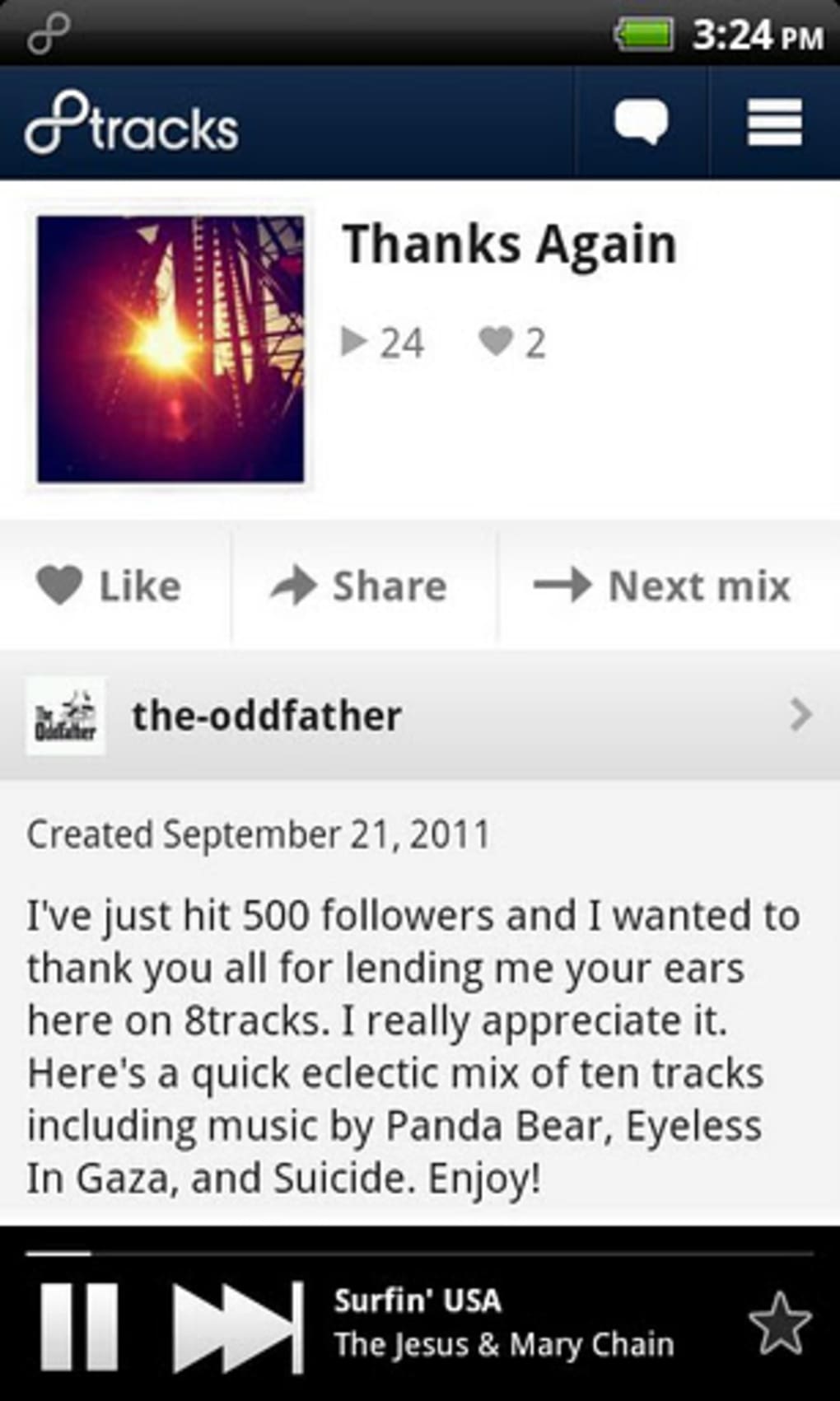
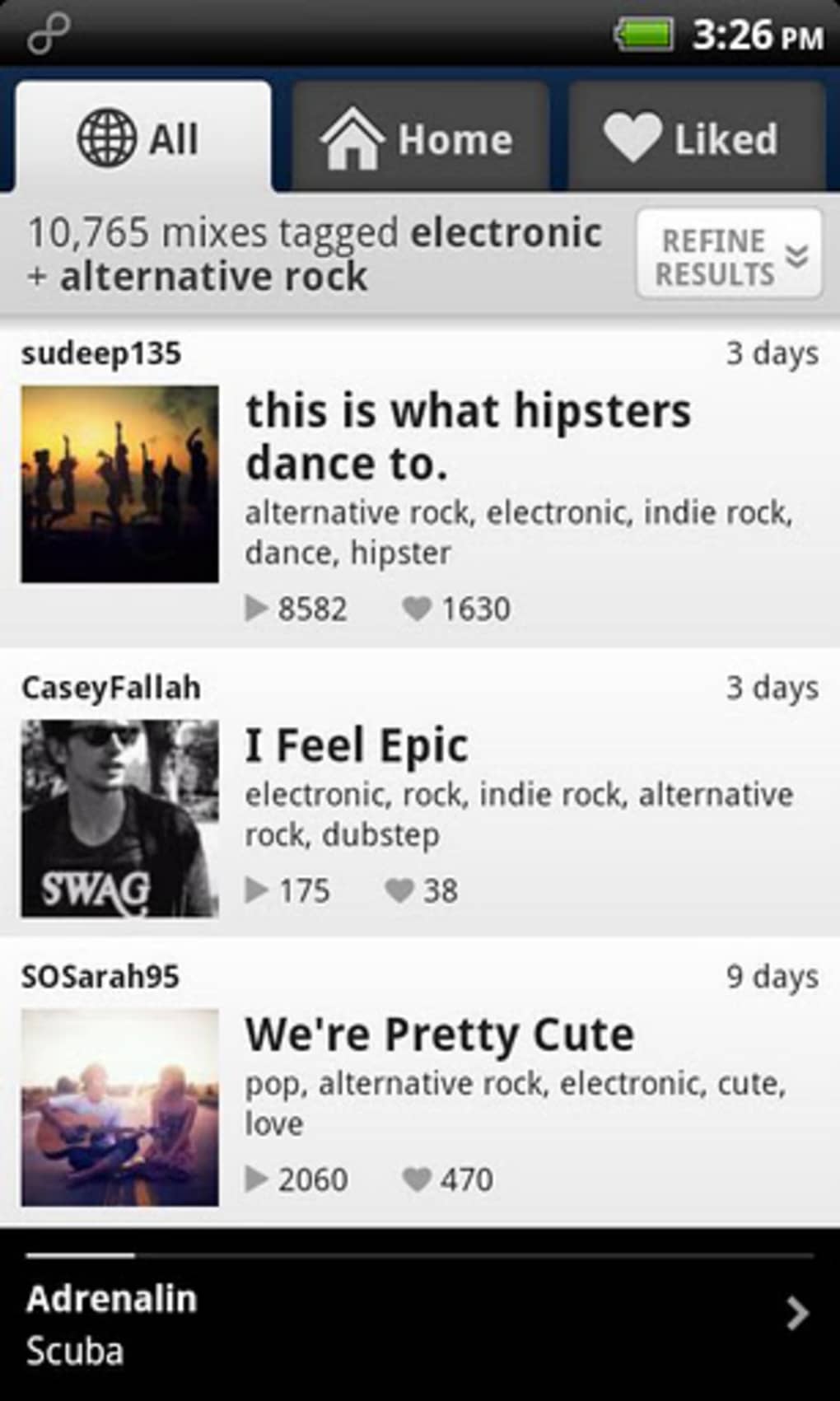
The app features a clean and simple interface designed for intuitive navigation on Android devices. Users can browse playlists through categorized lists, search by keyword, or explore trending collections. The layout prioritizes visual clarity, with album art, playlist titles, and mood tags prominently displayed. Navigation is streamlined, allowing users to quickly switch between discovery, favorites, and personal playlist management. Workflow efficiency is enhanced by direct playback controls and easy access to playlist details. The app’s performance is consistent with typical Android applications of its size and function. The developer did not specify resource usage details, but based on the 24.5 MB installation size, it is expected to have moderate impact on system resources. Stability appears reliable, as the app operates without reported crashes or interruptions during standard use. No performance benchmarks were provided, but general software behavior suggests smooth playback and responsive interactions. Background operation is supported, allowing uninterrupted listening even when the screen is off.
Compatibility & System Requirements
8tracks playlist radio is designed for Android devices and is compatible with the latest versions of the operating system. The app is available in version 3.2.2 and has a file size of 24.5 MB, indicating a lightweight installation. The developer did not provide detailed system requirements, including minimum CPU, RAM, or Android API level specifications. Compatibility information is limited to the platform, and no official details were shared regarding support for older Android versions or specific device models. Users should ensure their device is running a current version of Android to avoid potential compatibility issues. The app is distributed via the Google Play Store, which handles compatibility checks during installation. For users installing from third-party sources, such as APK files, it is recommended to verify the source to maintain security and functionality.
Pros and Cons
Pros
- Completely free to use with no subscription required
- Large library of user-generated, mood-based playlists
- Simple, intuitive interface optimized for Android
- Supports playlist creation and sharing with others
- Allows saving favorite playlists for quick access
- Community-focused design encourages music discovery and interaction
Cons
- Exact system requirements were not listed by the developer
- No official information on background playback reliability across devices
- Performance under low-memory conditions is unverified
- May lack advanced features found in premium music services
- Dependent on user-generated content, which can vary in quality
FAQ Section
Is 8tracks playlist radio available for free?
Yes, the app is completely free to download and use. There are no subscription fees or hidden charges. Users can access the full range of playlists without payment.
Can I create and share my own playlists?
Yes, users can create custom playlists, add songs, and share them with others on the platform. This feature supports community interaction and personal music expression.
Does the app work offline?
While the app supports background playback, the developer did not specify whether playlists can be fully accessed offline. Users should verify this functionality based on their device and network settings.
Is 8tracks safe to download?
Yes, the app is available through the official Google Play Store, which provides security checks. When downloading from third-party sources, users should ensure the APK file is from a trusted provider to avoid potential risks.
How often does the app receive updates?
The app was last updated on April 12, 2024. The developer has not specified a regular update schedule, but users can expect improvements and bug fixes through future releases.
Final Thoughts
8tracks playlist radio stands out as a unique, community-driven music discovery tool for Android users. Its emphasis on human-curated playlists, mood-based themes, and user-generated content offers a refreshing alternative to algorithmic music platforms. The clean interface and free access make it ideal for casual listeners, music enthusiasts, and creators alike. While technical details such as system requirements and performance under stress are not fully disclosed, the app’s lightweight size and stable operation suggest reliable performance on modern Android devices. For anyone seeking a free, interactive way to explore music and share their taste with others, 8tracks delivers meaningful value. The combination of creativity, accessibility, and global connection makes it a standout choice in the Android music app landscape. Download 8tracks playlist radio now.
Guides & Tutorials for 8tracks playlist radio APK
How to install 8tracks playlist radio APK
- Click the Preview / Download button above.
- Once redirected, accept the terms and click Install.
- Wait for the 8tracks playlist radio APK download to finish on your device.
How to use 8tracks playlist radio APK
This software is primarily used for its core features described above. Open the app after installation to explore its capabilities.
User Reviews for 8tracks playlist radio APK 0
No reviews found





